











BetKing offers Nigerian players several ways to access their accounts, with options suited to different devices and internet conditions. Whether you prefer the full desktop experience, a mobile browser, or a lighter platform, choosing the right method can make it easier to review bets, manage your balance, and reach games such as Aviator and Virtual Sports.
This guide explains the normal sign-in process, the differences between browser and app access, and the steps to take when authentication fails. It also covers account recovery, shop credentials, and basic precautions for protecting your login details.
Overview of BetKing Login Methods
BetKing provides several login environments: the standard desktop site, a mobile-optimised website, a Lite version for slower connections, and an Old Mobile interface for older devices. The available screens may differ, but access normally relies on the phone number and password registered to the account.
Desktop users can work with a larger bet slip and more information on screen at once. A mobile browser adapts the layout to a smaller display, while Lite removes some heavy visual elements to reduce loading demands. Old Mobile uses a simpler layout for devices that have difficulty handling modern web pages. Before entering credentials, check that you are on the official website and that the address begins with a secure connection.
How to Log In to Your BetKing Account
The standard process is similar on a computer and a phone. Open a supported browser, go to the official BetKing homepage, and select the sign-in control. The form should ask for the phone number associated with your account and your password.
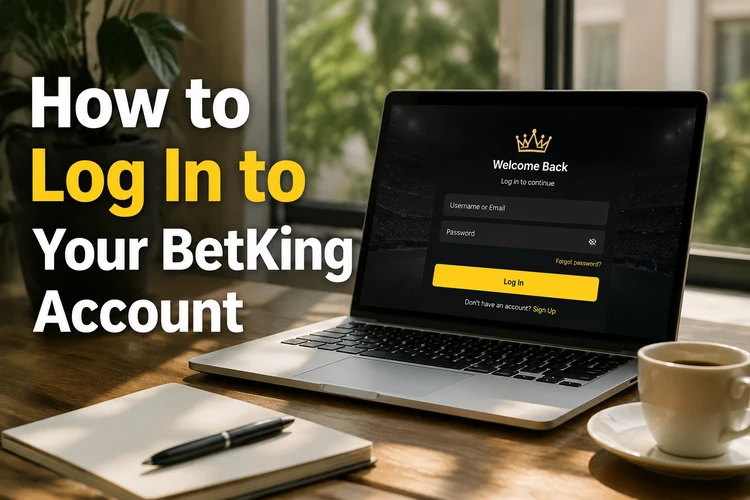
Enter the number in the same format used during registration. Type the password carefully, paying attention to capital letters and spaces, then submit the form. If the details are accepted, the account area should open. If not, recheck the number before trying again, since repeated failed attempts can trigger a temporary security lock on some accounts. Avoid repeated guesses; use the recovery option when you are unsure of the password.
Mobile Login Options
There is no need to install software when using the mobile website. Open Chrome, Safari, Firefox, or another current browser on an Android phone, iPhone, or tablet and visit the official homepage. A responsive layout should provide touch-friendly controls and place the sign-in button where it is easy to find.
A dedicated application can be used if it is available through the official BetKing channel. Install it only from a source you trust, check that the developer information is genuine, and keep the software updated. Browser and app sessions use the same account details, but you should sign out of either one if the device is shared or no longer under your control.
BetKing Lite Login
The Lite platform is intended for users dealing with unstable connections or costly data. Its simpler design generally uses fewer images, animations, and other resource-heavy elements, which can make the sign-in screen easier to load on a congested mobile network.
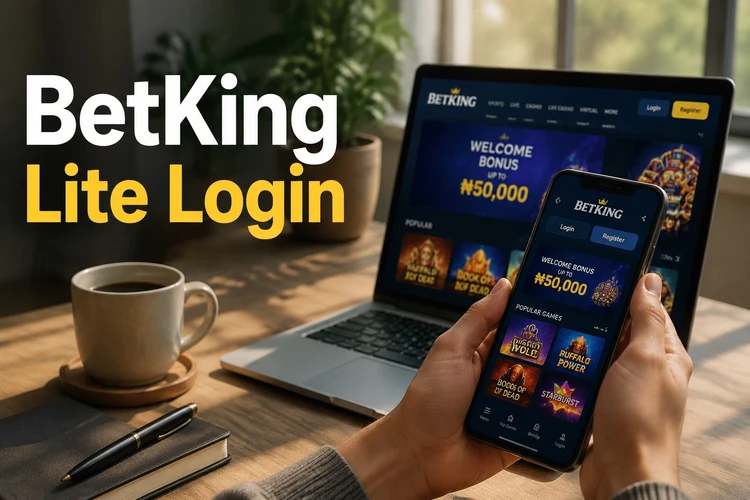
Open the Lite entry point provided on the official site, then enter the registered phone number and password. The lighter interface may not display every visual feature found on the full site, so switch to the standard version if you need a function that is not shown. Do not assume that a faster-loading page changes your account permissions or transaction limits.
Old Mobile and Mlite Login
Older smartphones may struggle with pages built for current browsers. An Old Mobile interface, where available, uses a more basic structure and fewer visual elements. This can help on a device with limited memory, although newer features may not be offered there.
Use the Old Mobile link supplied by the official homepage rather than relying on an unverified address saved elsewhere. Enter the same phone number and password used on the main account. If the page does not load, update the browser if the phone supports it, or use Lite or a newer device instead.
Logging In After Registration
New users must create an account before they can sign in. The registration page may request a phone number and other details needed to establish the account. Follow the verification instructions shown on screen, and keep the phone available if a code is sent during the process.
After registration is complete, return to the sign-in form and use the phone number and password you created. If an account opened with help from a retail shop does not work online, ask the attendant to confirm that the account was activated correctly. Never create several accounts simply because the first sign-in attempt failed.
Password Reset and Account Recovery
If you cannot remember the password, select the password-recovery option below the sign-in form and enter the registered phone number. Follow the instructions sent to that number, then choose a new password that is not reused on another service. Do not share a reset code with another person.
A lost or changed phone number can make automated recovery difficult. In that situation, use the official customer support channel and provide only the information requested for identity checks. Support may need to confirm ownership before changing account details. Keep your registered contact information current so future recovery is less complicated.
Shop and Cashier Login
Retail betting shops may use separate credentials for staff or cashier terminals. Those accounts can have operational permissions that differ from a personal betting account, such as handling shop transactions or printing slips. Staff should use the access details issued by the authorised manager and should not disclose them to customers.
A personal account created for an individual remains separate from a shop account, even when the same person visits that location. Do not use business credentials for personal betting, and report an unfamiliar login or permission change promptly.
Accessing Aviator and Virtual Sports
Aviator and Virtual Sports can normally be opened from the account area after a successful sign-in, subject to the services available on the account and device. No separate username is generally needed. Use the relevant menu area, read the displayed rules, and check the available balance before placing any bet.
If a game category is missing, first confirm that the account is fully verified and that the browser or app is current. Availability can also vary by platform. Contact support if the feature remains absent after these checks rather than downloading an unofficial application.
Common Login Problems and Solutions
An invalid-credentials message usually means that the phone number or password was entered incorrectly. Check for an extra space, a mistyped digit, or incorrect capitalisation. If the password was recently changed, use the new version and avoid copying an accidental space at the end.
Cached files and cookies can cause a page to reload repeatedly or preserve an outdated session. Close other BetKing tabs, clear the relevant site data, reopen the browser, and try once more. On a phone, force-closing and reopening the app can also clear a stuck session.
A weak connection can interrupt authentication before the dashboard opens. Move to a more stable Wi-Fi or mobile-data connection, disable an active VPN if it interferes with the page, and try Lite where appropriate. An outdated browser or unsupported device may require an update or a different device.
If the account is locked, suspended, or repeatedly returned to the sign-in screen, stop submitting more attempts. Record the exact message and contact support through an official channel. Do not pay a third party claiming it can bypass account security.
Best Practices for Account Security
Use a unique password of at least eight characters, combining different character types without relying on a name, birthday, phone number, or the word password. A password manager can help you store it safely. Change it immediately if you suspect that someone else has seen it.
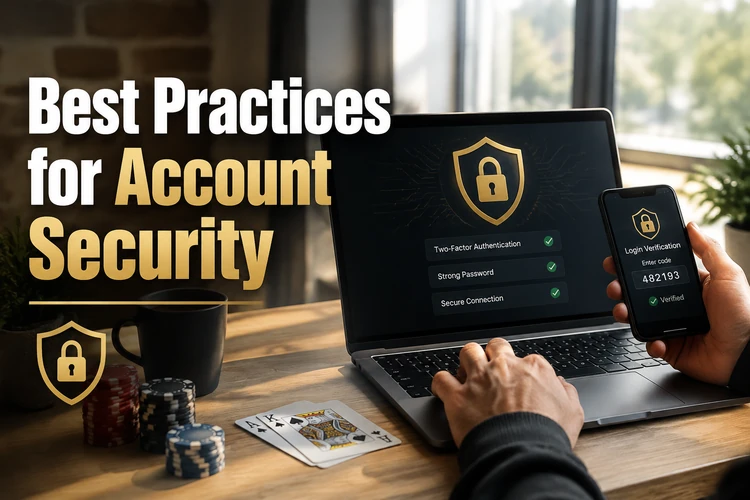
Log out after using a shared computer or another person’s phone. Protect your own device with a screen lock and avoid saving passwords in a public browser. Check the address before entering credentials, ignore messages requesting your password or one-time code, and use two-step verification if it is offered in your account settings. If gambling stops being enjoyable or affordable, use the platform’s responsible-gambling tools and take a break.
Frequently Asked Questions
Yes. Use the registered phone number and password on a supported computer, phone, tablet, or official app. Sign out of devices that other people can access, and review the account if you notice an unfamiliar session.
Select the password-recovery option on the sign-in page and follow the instructions for your registered phone number. If the message does not arrive, check the number and network connection, then contact official support rather than sharing your details with a third party.
Check the phone number, password, capitalisation, and any accidental spaces. If you recently changed the password, use the new one. Clear the site data or try a current browser if the details are correct but the page still loops.
No separate login is normally required. Sign in to the main account and open the relevant area if it is available to you. Complete any requested verification and check the displayed rules before betting.
Try the Lite or Old Mobile option supplied through the official website. These interfaces use fewer resources, but some newer features may not be available. Avoid entering your password on an unverified alternative address.
It is more convenient, but it increases the risk if the phone is lost or shared. Use a strong screen lock, avoid saving credentials on public devices, and sign out when someone else can access the phone. Enable additional verification if available.